
The latest release of WordPress 6.9 introduces intuitive ways to create and manage content. The detail is increasingly aligned to fit a creative flow without so many hitches.
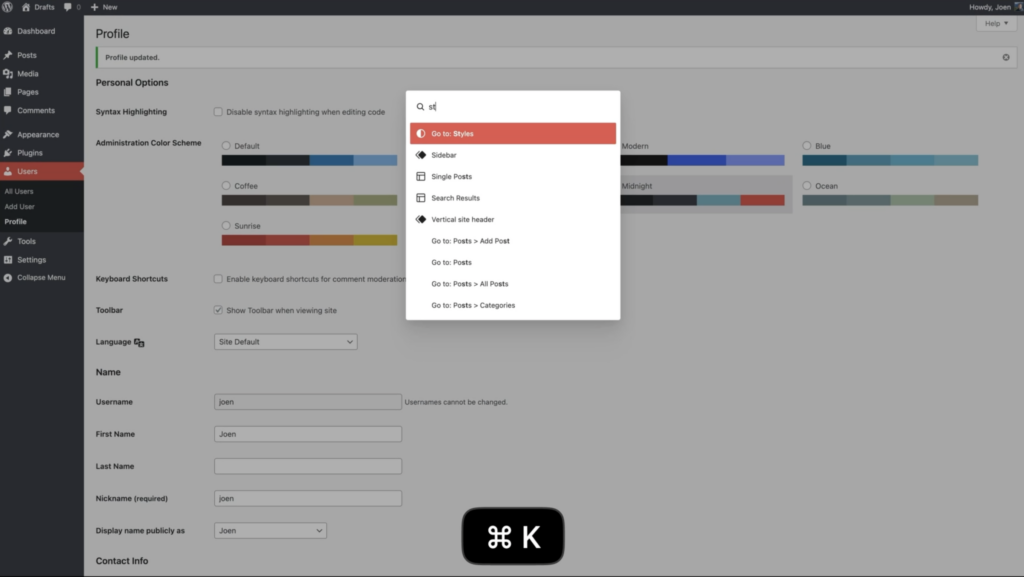
From today you can insert Notes that let you collaborate directly – in the editor only of course. And a long time coming a powerful Command Palette that helps you reach every part of your site with a simple key stroke and command search.
Stay in command (and control)
Other features include stretchy headings – a creative feature for designers
Black
Black
A simple “Time to read” block
Neater galleries with magic resizing of the aspect ratio
And for the math orientated, we have MathML
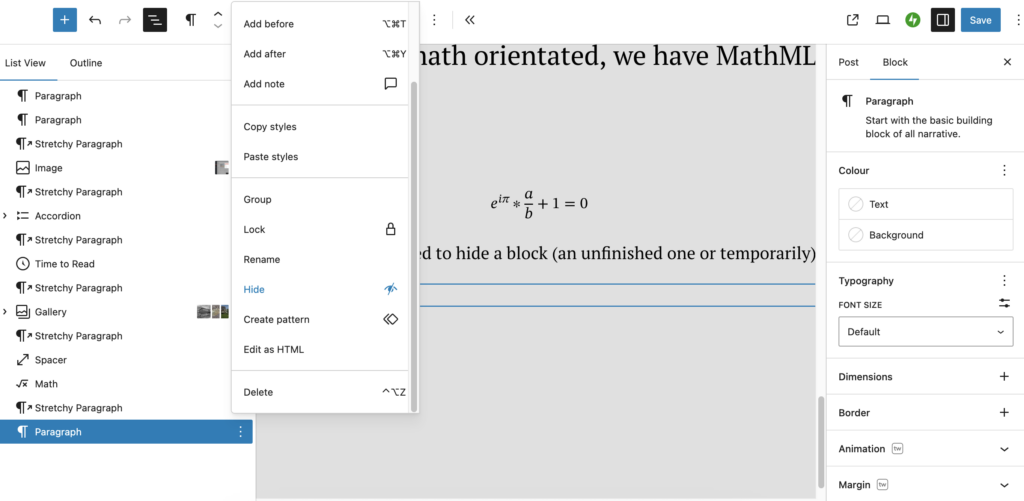
But what if we wanted to hide a block
(an unfinished one or temporarily)
That is now possible
And lets expose the categories in our blog
-
(1)
-
(9)
-
(9)
-
(138)
Switch theme without fear
You can now create and store multiple templates for the same page type (slug). For example, a blog post can have separate templates e.g. for guest authors, featured stories or sponsored posts. This allows you to experiment with layouts without overwriting existing ones.
- Draft templates
Templates can now be saved as drafts before going live. This gives designers the ability to test layouts, review them internally and publish when ready – similar to how content drafts work in the block editor.
- Safer theme switching
Switching themes is now much safer. WordPress 6.9 retains custom templates and design settings during a theme switch, reducing the risk of losing layouts or custom styling. This feature especially benefits sites transitioning from classic to block themes.