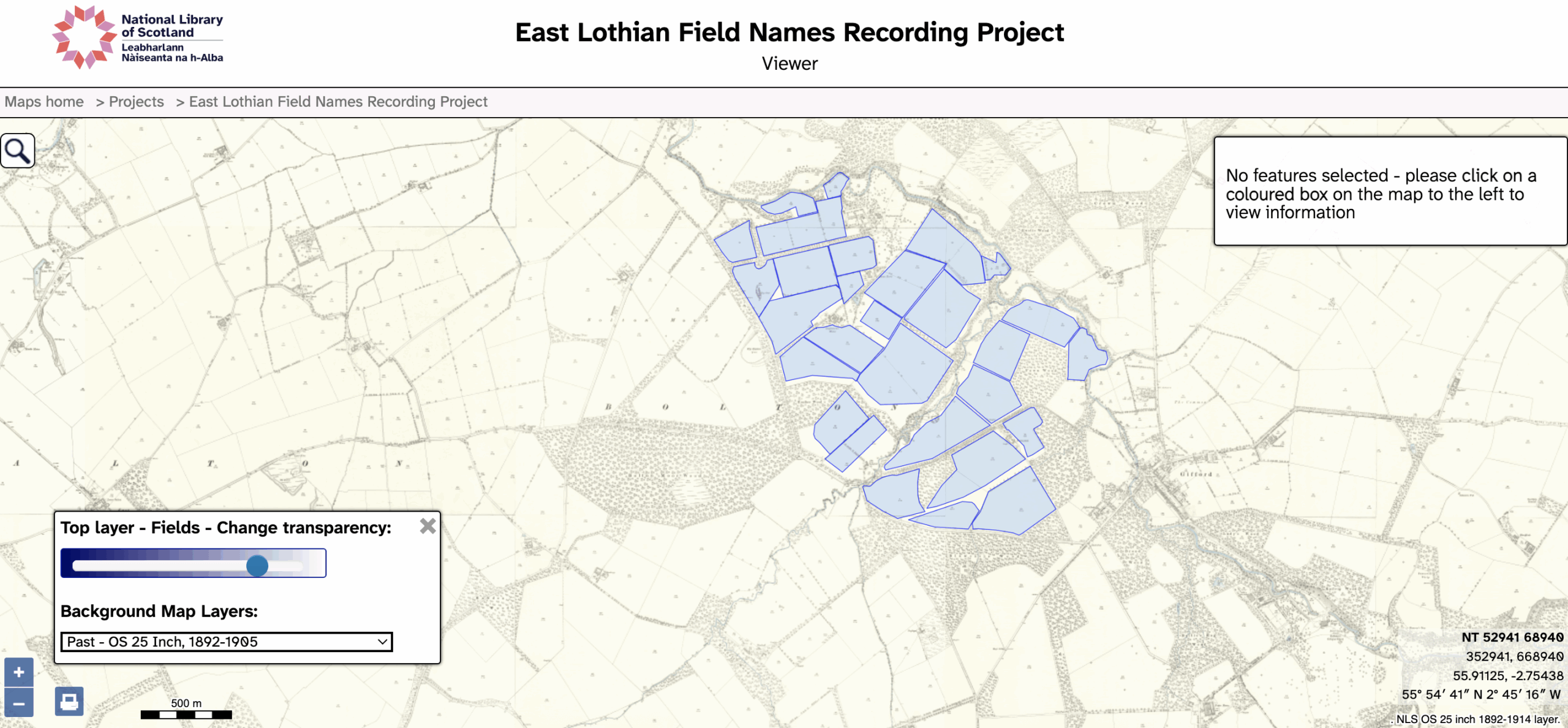
Navigating the NLS map is straightforward and simple, but how do you share the exact view say of a field with a mapping layer?
Step 1: navigate to the farm and or field (you can use modern place names to search);
Step 2: choose a mapping layer e.g. the 25″ map (bottom left);
Step 3: fine tune the zoom level and pan as desired (click and drag or use the arrow keys);
Step 4: copy the full url and then paste it into an email or chat.
In time we hope to see a way of embedding different views of the map with the ability to style (colour) the map e.g. by farm holding.
At the moment we are using QGIS and Felt to do this, but this does involve a bit of manual labour this turns out to be quite easy as we have now automated all the steps!